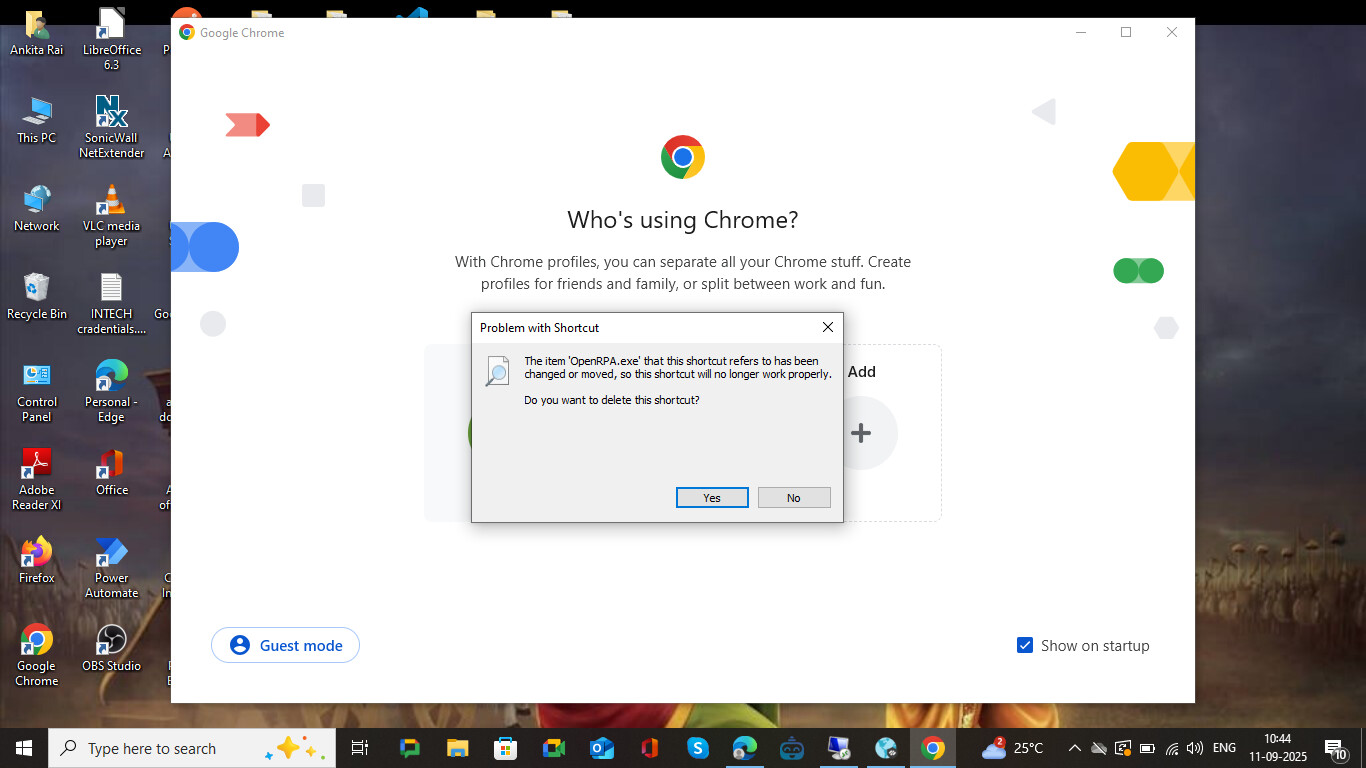
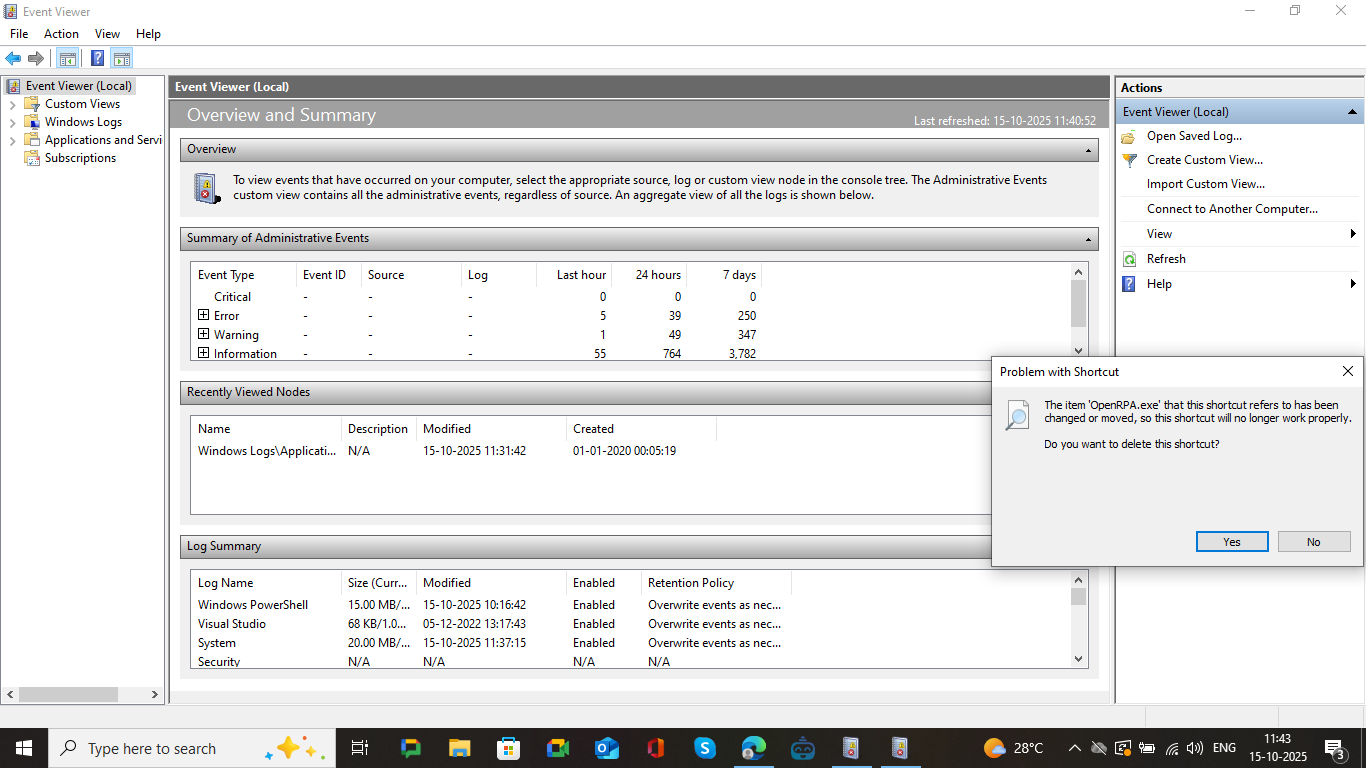
I’m facing a recurring issue with OpenRPA on Windows 10. The application suddenly stops working — the shortcut removes itself from the taskbar, and when I try to open it, I get a popup error (screenshot attached). Sometimes it also happens when i use recording option for UI automation.
This has happened multiple times on my system, and the only workaround I’ve found is to reinstall OpenRPA each time, which is not ideal.
For Hint i want to highlight one more behaviour of OpenRPA app on my system:
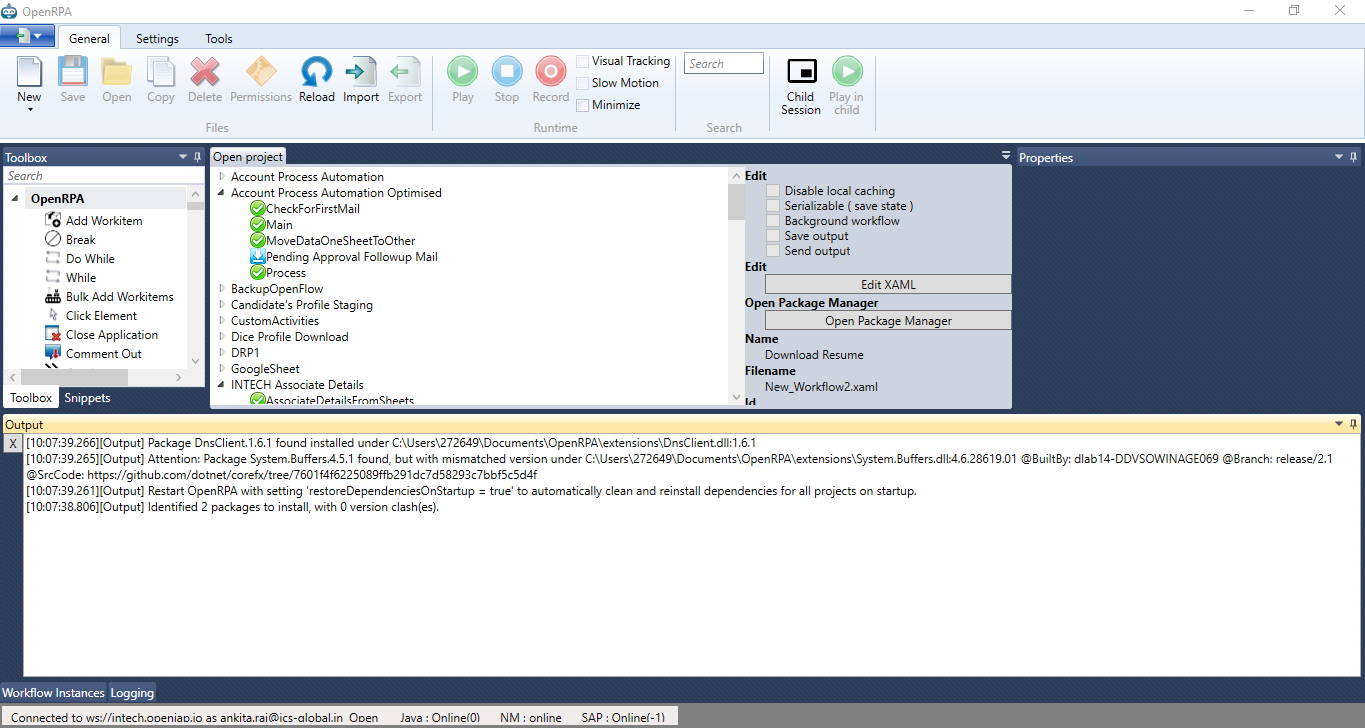
Whenever I open OpenRPA App very first it gives some output logs in the output tab please check if these helpful to solve it.
Output Tab Image:
When an application gets installed, updated, or uninstalled, an event is logged to the event log. As I requested last time, please check the event log for what user uninstalled it, and any hints about what is going on. OpenRPA itself cannot uninstall itself (well, YOU can make OpenRPA do it using scripts, but OpenRPA will not do it on its own).