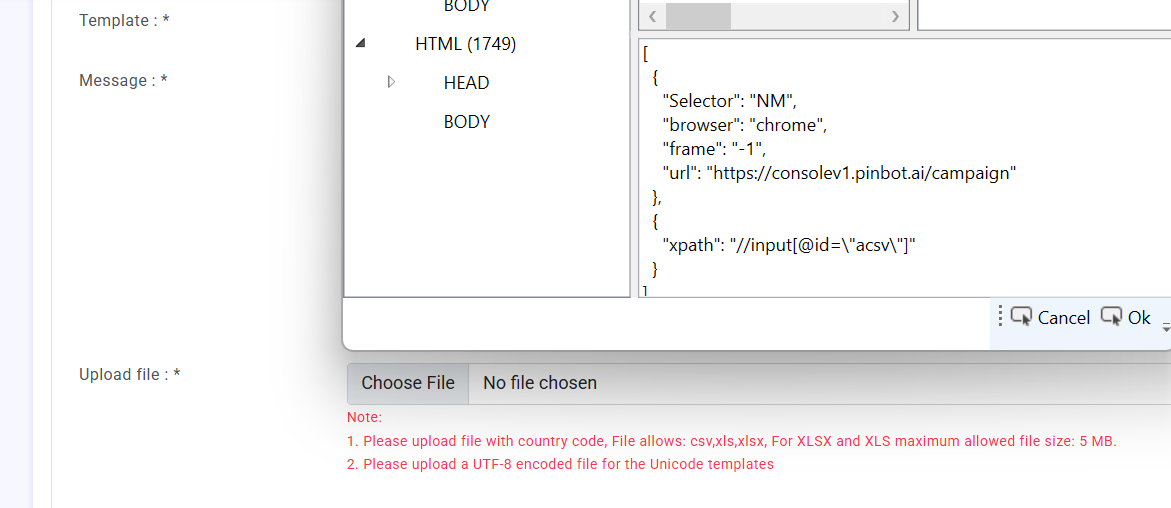
I am creating a selector using get element activity but issue is its xpath is highlighting to another element in the window, this is the issue which i am facing, could you please let me know the other ways of creating the selector.
here is the reference image
I am trying to make selector for the upload file but it is indicating some other element.
You will need to inspect the HTML and find other attributes to use if multiple input fields have the same ID (having multiple input fields with the same ID is generally a very bad practice. If this is your website, you should consider getting it fixed).
Alternately, if you know the “count,” you can create an XPath that selects one using . So if //input[@attr='value1'] returns more than one and you want item number 1, then use (//input[@attr='value1'])[1].
If the element has some text before it that is unique, you can also “anchor” the search to the text using something like (//*[contains(text(),'lastname')]/following::input)[1].
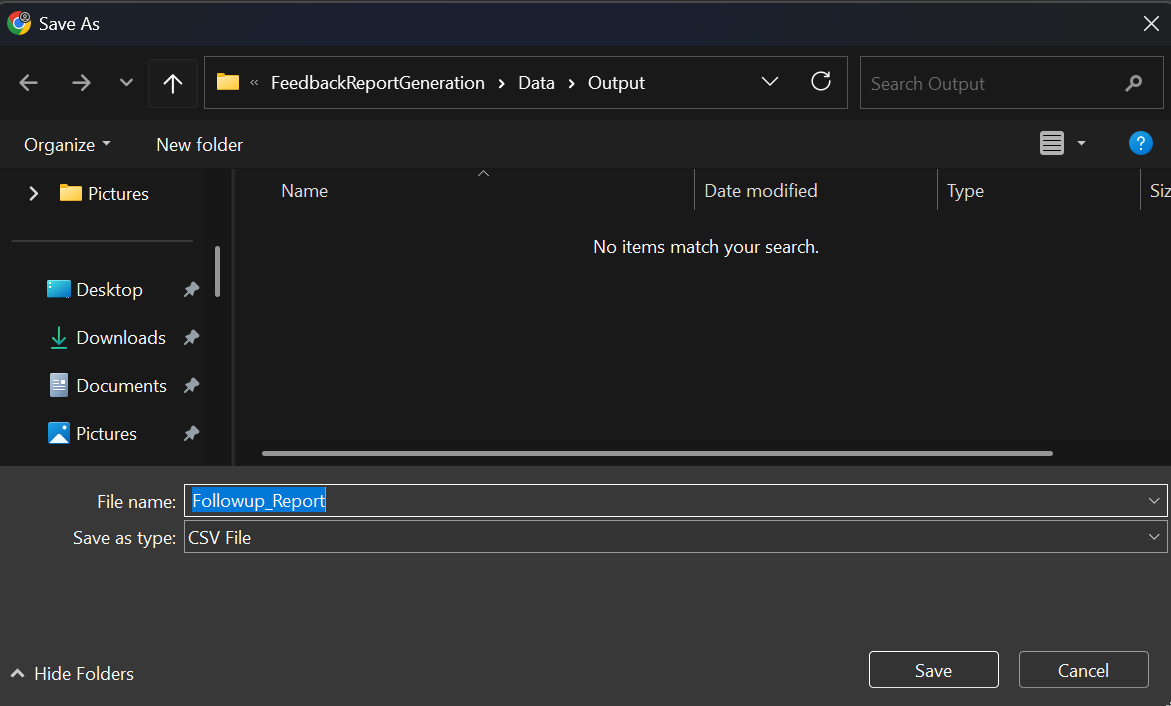
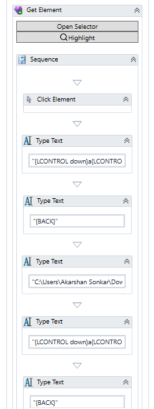
We are successful on creating the one selector but now we are facing the issue with the download file, The process which we are following is opening the save as window and navigating to the path where file need to save and when clicking on save, SAVE button is not working, i tried that manually just after that run still not working but if we hit enter manually then only save button is working else not could you please help ?