Hello,
I have installed OpenRPA.
I have tried using an Automation with the windows Calculator as a test.
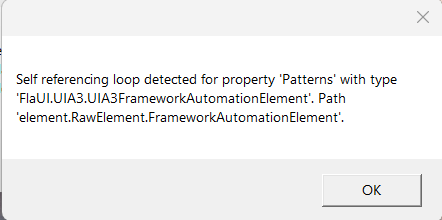
When testing the selectors, I get this error message
Any suggestions on how to resolve as activities such as “Get Element” are not working which is probably due to the error?
It is a Windows 11 environment.
Thanks, Dave
That is the first time I’ve seen that error.
Does that happen with any element and application or a specific one ?
Does it happen when saving the workflow or while recording, or when running the workflow ?
The error seems to occur for different applications.
I have tested and generated the error when using the Windows Calculator and Windows Explorer applications.
The error displays when running the workflows.
Manually creating the workflows or recording workflows. The same error shows during execution.
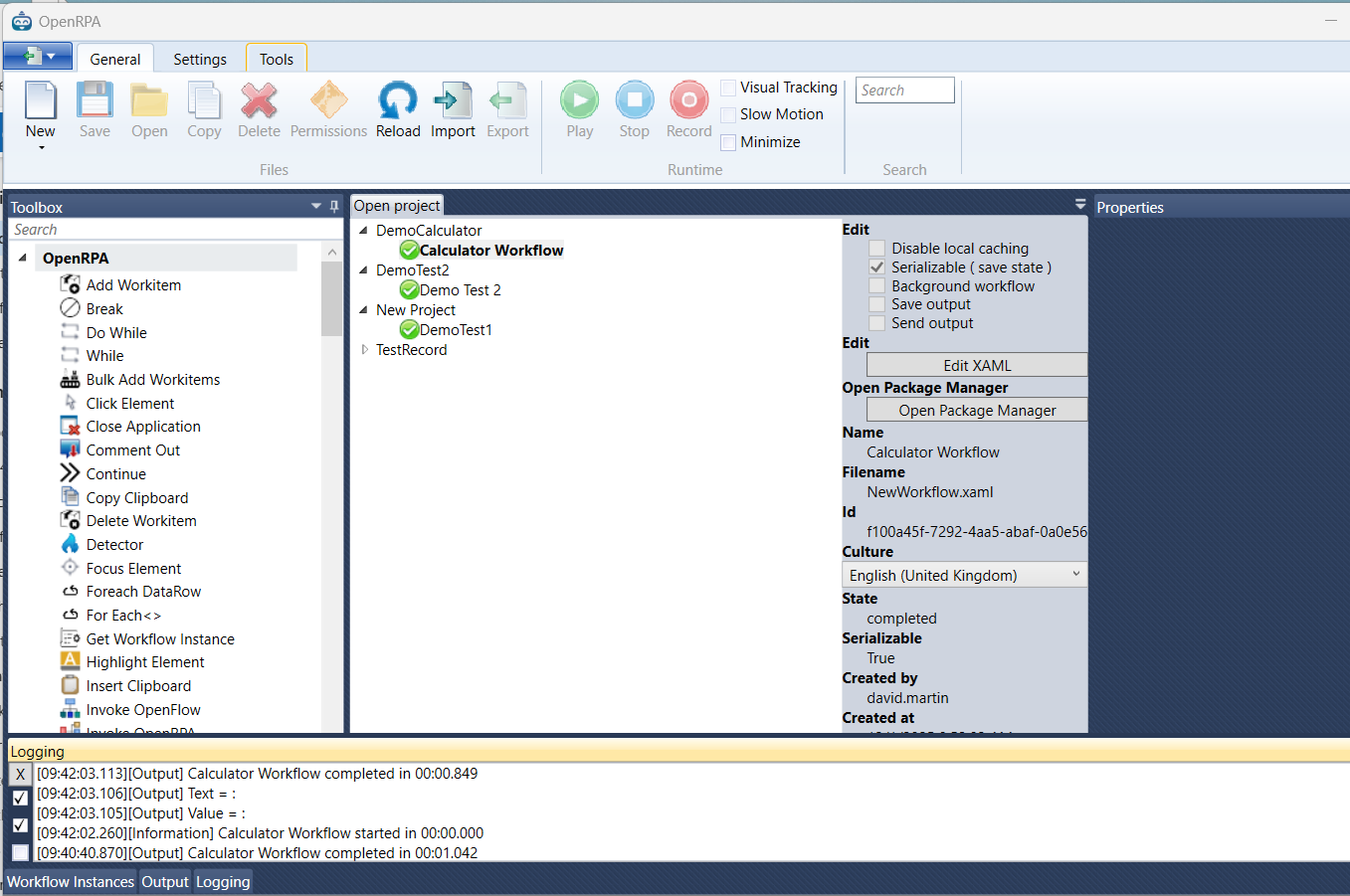
What if you close the designer/workflow and run it? Select it under the open workflow tab and press the run button, but it’s important that the designer is NOT open.
When I run it from here. There is no error message but no value is returned in the GetElement.
I have tried to copy your video on youtube for using the calculator to ensure that it is a good test.
That is truly odd.
I cannot remember if or why there should be any json serialization doing running, unless maybe for the cache …
try going to Settings tab click recorder plugins, select windows and disable cache
OpenRPA is going to be slow, but if it fixes the problem for now, i guess it’s a work around
I don’t get the error message. So that worked. Thank you.
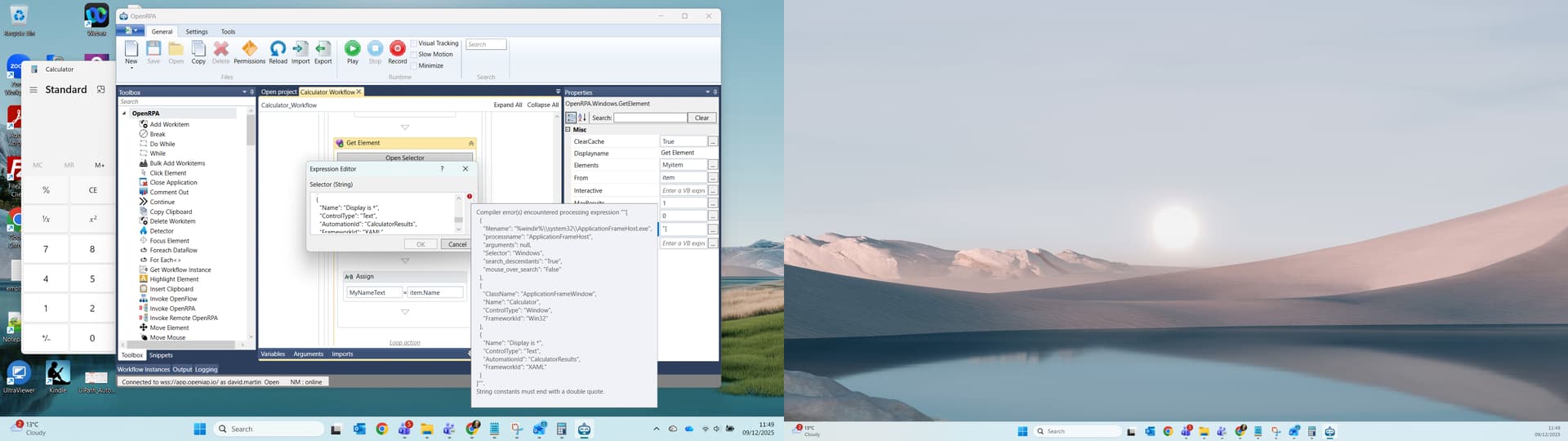
The GetElement is still failing and I have found this error. I wonder if it is related to or the real cause?
You need to edit selectors by opening the selector window (by clicking Open Selector).