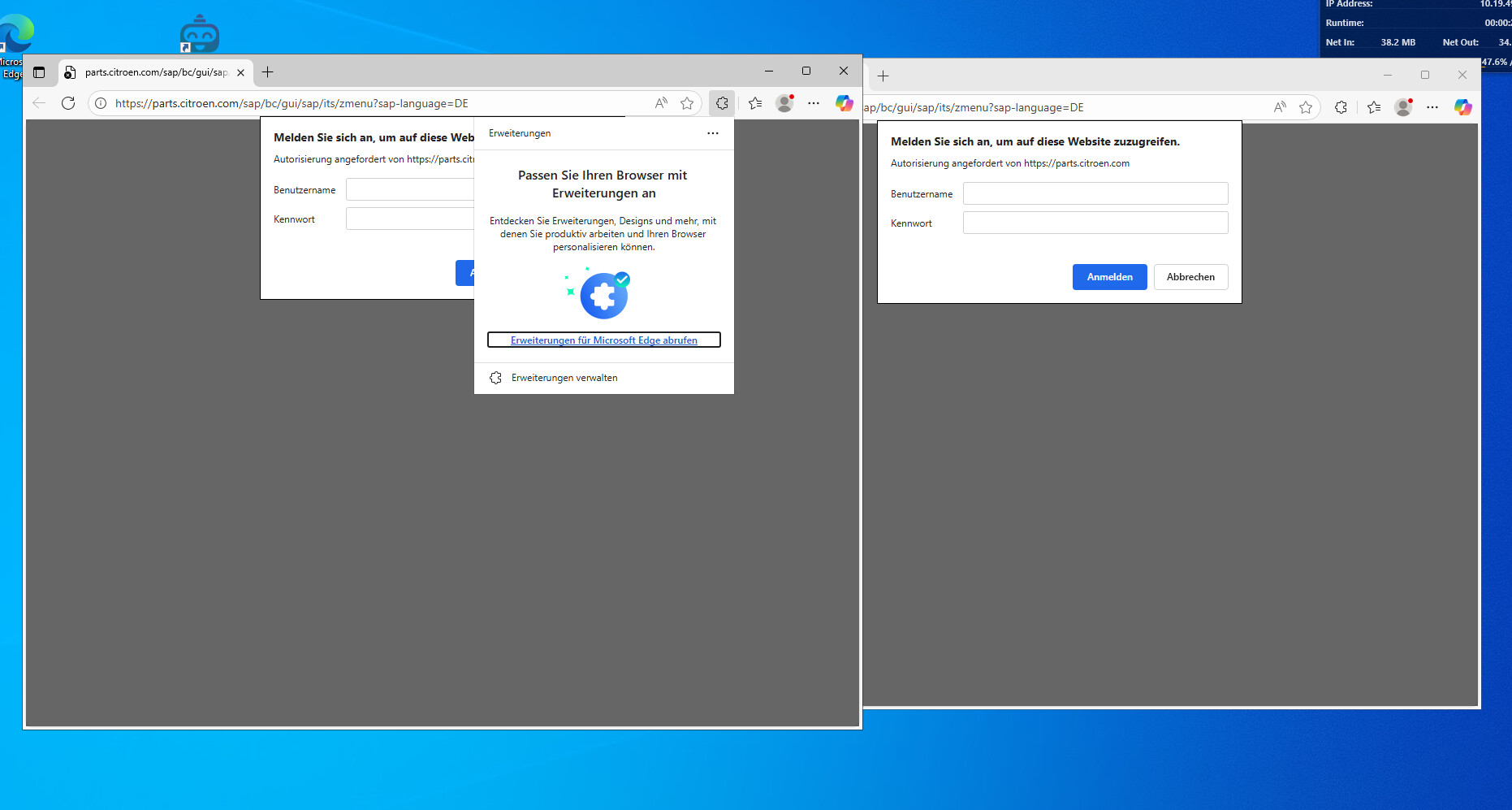
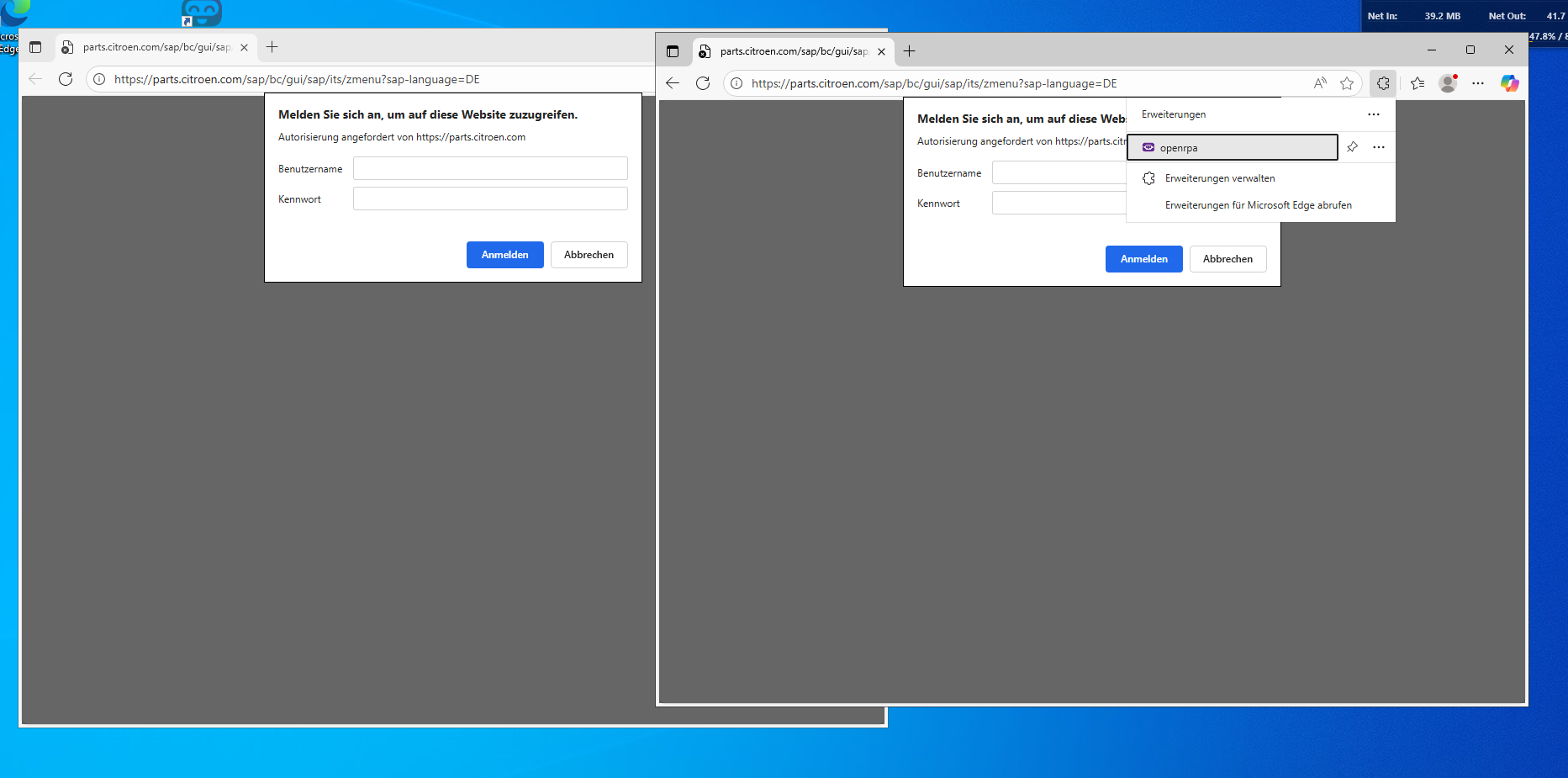
We have 3 HDBots running on the same Windows VM. They all run various different workflows. All is fine and well till after a long time (18hours up to 2-3 days) they stop being able to use NM selectors. Windows selectors are working fine but NM Selectors and stuff like “Wait for Download” refuse to work until we restart the VM.
Does restarting chrome work ? ( if you don’t already close it between runs )
If chrome has background workers, it may not close, despite you don’t see it in task manager, so also check task manager that it’s not running.
Does restarting OpenRPA work ?
or do you have to restart the entire machine before it starts working again ?
This is too see if this is in Chrome, the nm pipe process, OpenRPA or windows it self.
I guess handles are no longer an issue, as long as you have enough RAM, but still, logging a user out versus killing the process are two different things, so let’s be methodical here.
Hi so i finally managed to see some logs when this error happens.
The bot in question starts the process and then spams
[08:29:07.659][Output] pending edge addon to connect
gracefully closeing OpenRPA and then reenabling the bot didnt work, it restarts openRPA but the error persists.
If i look into the browser addons the openRPA addon seems missing. So either this bot was broken all the time and we didn’t notice because the other two lifted all the work or it somehow got uninstalled.
Must be a funny coincidence then that this one broken bot kept grabbing the same items over and over.
I will notify you if we have a complete bot failure again, because this time it was only one process and one bot.
Did you change any settings in open url besides the URL itself? It can start a browser in three modes, and one (or two?) of these change the profile, but by default it uses the last profile used in chrome. If you did that, you also need to install the extension in that profile.
I’ve created a workflow that opens Edge, clicks around a little, and closes the tab (and therefore Edge) over and over. It has run for 10 minutes now without any issues.
I have two profiles: one with the OpenRPA extension installed and one without. As long as I make sure the last closed tab is the one with the extension installed, it works without issues.
I installed the extension in the other profile too now so we don’t have any more problems. I am just curious how OpenRPA decided to all of a sudden open it in another profile.
If you did not change any of the two profile settings, then it does not… it literally starts Chrome or Edge by calling the .exe with the URL and nothing more, and Chrome/Edge, by default, uses the last used profile… or at least, that is what it should do.