Hi everyone,
I am having an issue where the NM.GetElement activity cannot detect ANY element (inputs, buttons, text) on this specific website:
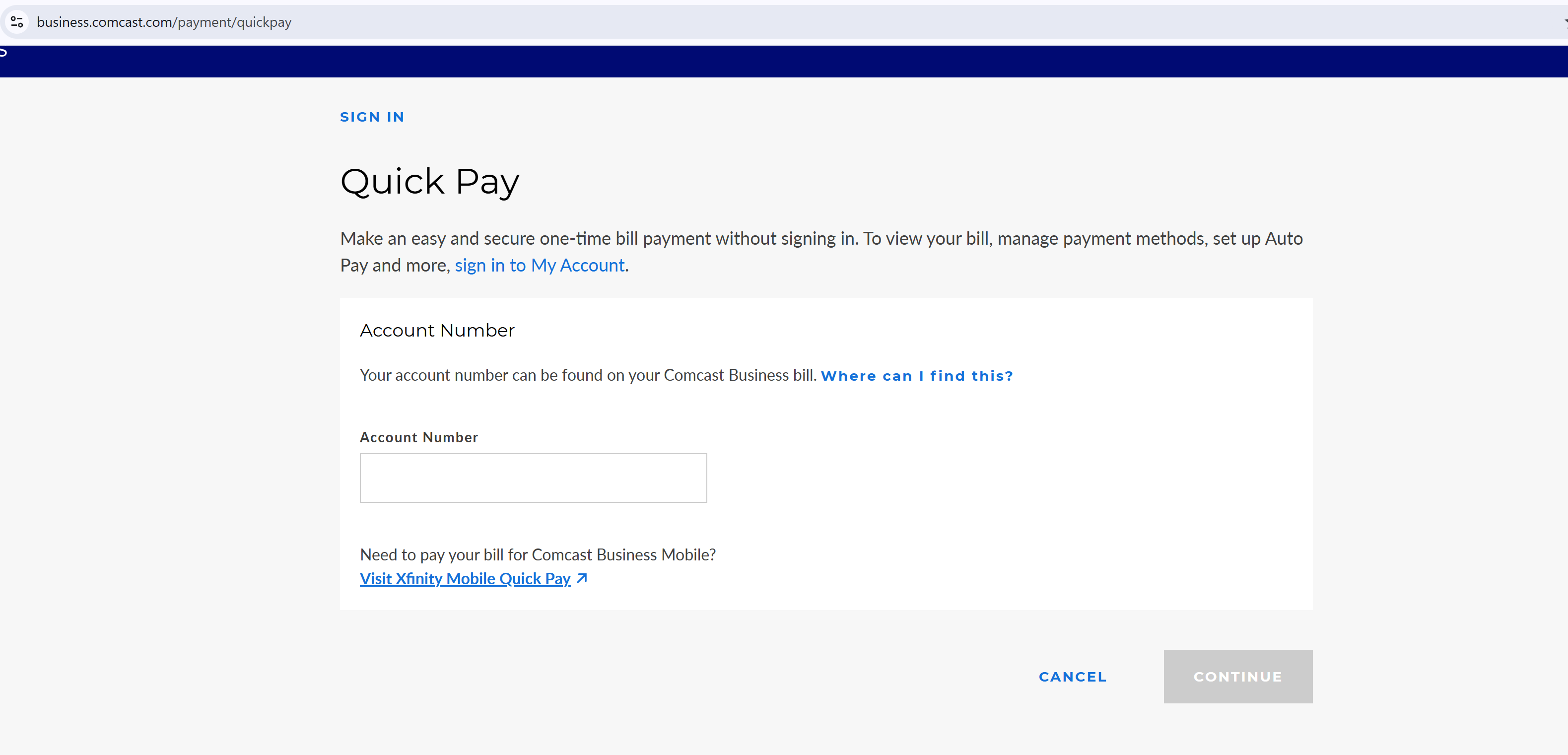
What I have tried:
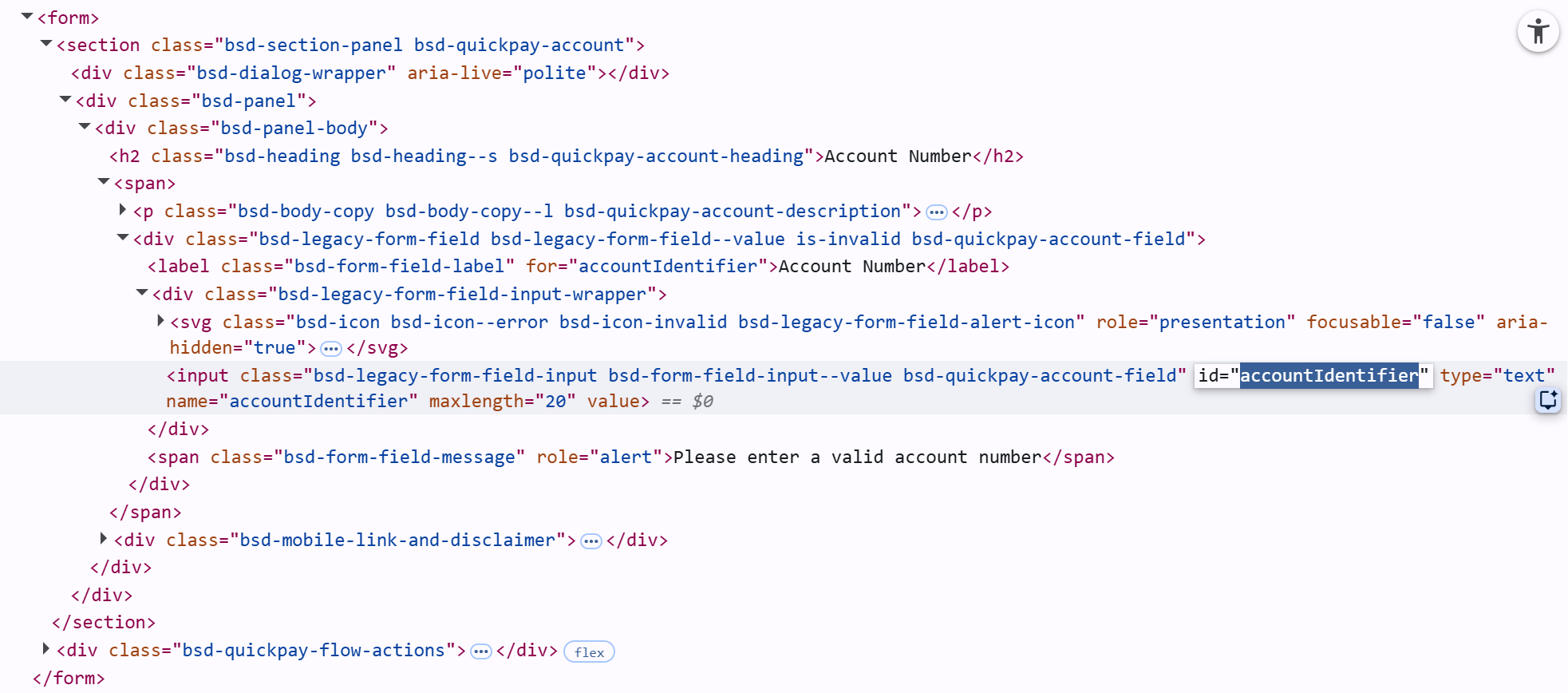
- Multiple CSS selectors (e.g.
#accountIdentifier,button.bsd-btn--primary) - Multiple XPath selectors (e.g.
//button[normalize-space(.)='Continue']) - Different frame numbers (frame: -1, 0, 1, 6, 8, 10, 11, 12, 14)
- Execute Script activity to click elements via JavaScript
- Open Selector tool — cannot detect any element on the page
- Added delays up to 10 seconds after OpenURL
- Tested with UserDataFolderMode: Custom Folder
Example of current selector being used:
[
  { "Selector": "NM", "browser": "chrome", "frame": "-1" },
  { "cssselector": "#accountIdentifier" }
]
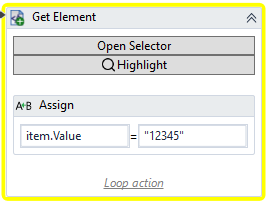
Error received:
Failed locating 1 item(s)
Test failed at 1.3 in 00:20.939
Key observations:
- The same workflow works perfectly on other websites
- Elements ARE found when using
$x()in Chrome DevTools console - Manual interaction with the page works fine
- Chrome DevTools shows
<html class="hydrated">(Stencil.js) - Page body has
data-inq-observer="1"attribute (Imperva bot protection) - Console shows
quantum-comcast.jsfiring continuously - Open Selector tree shows multiple HTML contexts: HTML(6), HTML(8), HTML(10), HTML(11), HTML(12), HTML(14)
- No Content-Security-Policy meta tag found
Question:
Is this a known issue with Imperva-protected websites blocking the OpenRPA Chrome extension from accessing the DOM? Is there a workaround to make NM.GetElement work on such websites?
Versions:
OpenRPA 1.4.57

Version 146.0.7680.178 (Official Build) (64-bit)
Any help is greatly appreciated!
Thanks