Hi there,
We are looking to create users in OpenCore that have the ability to view/edit all Node-RED Agents and create their own. We do not want these users to have full admin permissions.
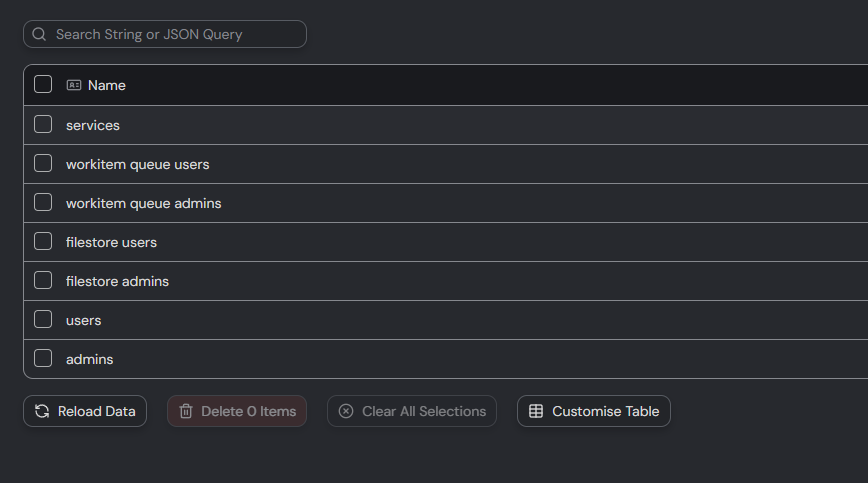
The OpenIAP documentation lists ‘nodered admins’ which looks to fit those access requirements, however, it does not appear in our role list. We have attempted to add it but get blocked, so the role is presumably hidden.
Interested in whether there is a way to unhide the role or setup a role that has the access we are looking for.
I just looked, and you are right; it’s still listed in the docs. I will get that updated, sorry about that. The global “nodered admins” role was removed 1-2 years ago.
For many years, OpenCore would enforce having a “nodered admins” role. Members of this role would have full rights inside NodeRED and write permissions to the NodeRED objects in the database. Every time you created a NodeRED instance, OpenCore would create a nodered admin role for that specific NodeRED and add the user who created the NodeRED into that role.
This made sense since we worked with “one user = one NodeRED.” But the way people work with the system made this problematic; people tend to run multiple NodeREDs and want freedom to choose who they run as. Also, since we moved the “agent” concept in 1.4, people have moved away from using NodeRED as the primary driver of automations. And lastly, on bigger installations, having some users be members of hundreds or even thousands of roles was starting to have an impact on performance on the system. So in 1.5, many old roles were removed, and the maintenance code around those roles was removed.
Is there a way to give a user/role access to all existing and new Agents in OpenCore without adding them to the admin role?
We were experimenting with role permissions and it seems like we would have to assign a user/role to the access control list of the agent in Entities every time a new one is created. Our ideal scenario is if the user/role could be assigned access to the agents automatically, in the same way that the admins role is.
This will be a bit of a hack, but it should work. The downside is all users will be able to see each other’s agents; they cannot change them, but it will enforce a role to have full control of all agents.
This CAN lock you out of your own OpenCore installation. I HIGHLY recommend you test this process first on a blank/fresh OpenCore installation and get comfortable with how it works.
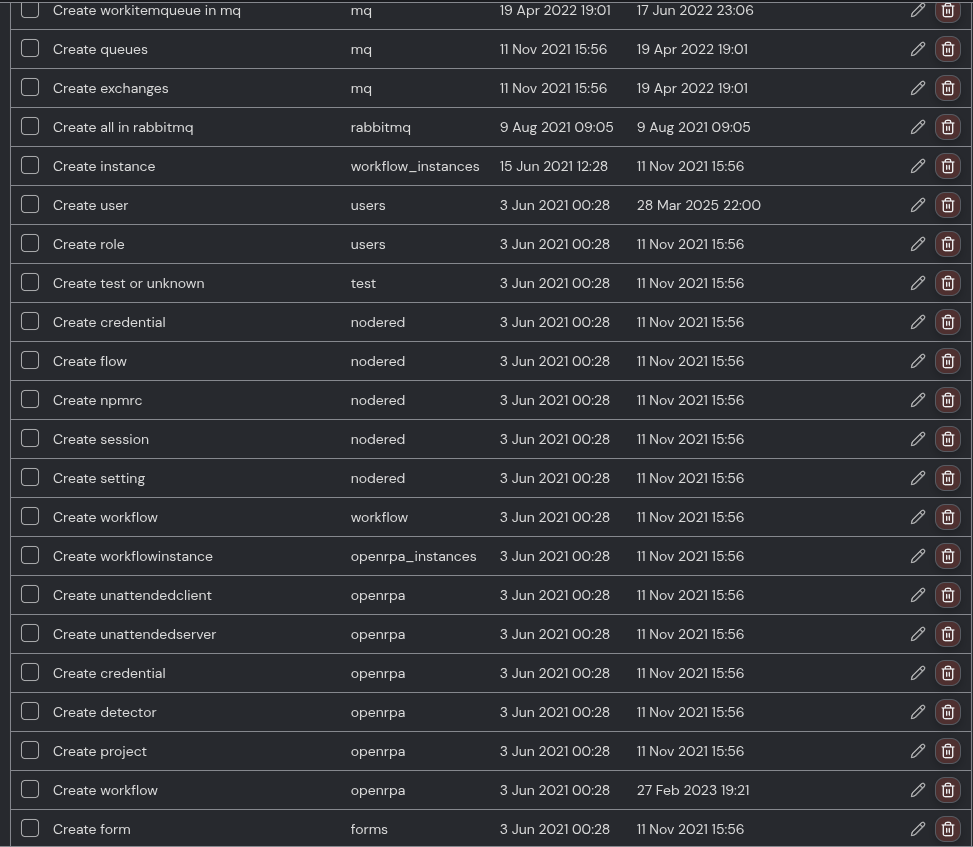
You can enable enable_entity_restriction under Config (this will lock down all collections, so no one but the admin can add anything anywhere). Then go to Entity Restriction and allow all the different roles you need to have access to the different collections (this is A LOT of work, sorry, I have 34 of those on https://app.openiap.io. You can see some of them in the screenshot below), but do NOT create an entity restriction for the agents’ collection.
Writing this, it hits me, the naming can be confusing. When you enable enable_entity_restriction, Opencore will deny all users permission to add items to all collections, so you then slowly open up for what you want to allow users to do. You do that by giving that user/role permission to read the entity restriction. You can scope it by creating a JSON query that makes this only matter for specific items (most that I use say something like $.[?(@ && @._type == 'workitem')], meaning this rule only applies to items where _type is set to workitem).
But this system can also be used to force adding specific users and roles to new items being created. So…
Create a new role and call it something like agent admins.
Create a new role and call it something like agent users.
Then create an entity restriction, select the agent’s collection. Under ACL, add agent users with read permissions, and add agent admins with full control. Enable “Copy Permissions”.
Now add all the users you want to allow to create agents into the agent users role. Then every time they create an agent, this restriction will add agent admins to the new agent object, with full control permission.
Subset of restriction you may need to add.